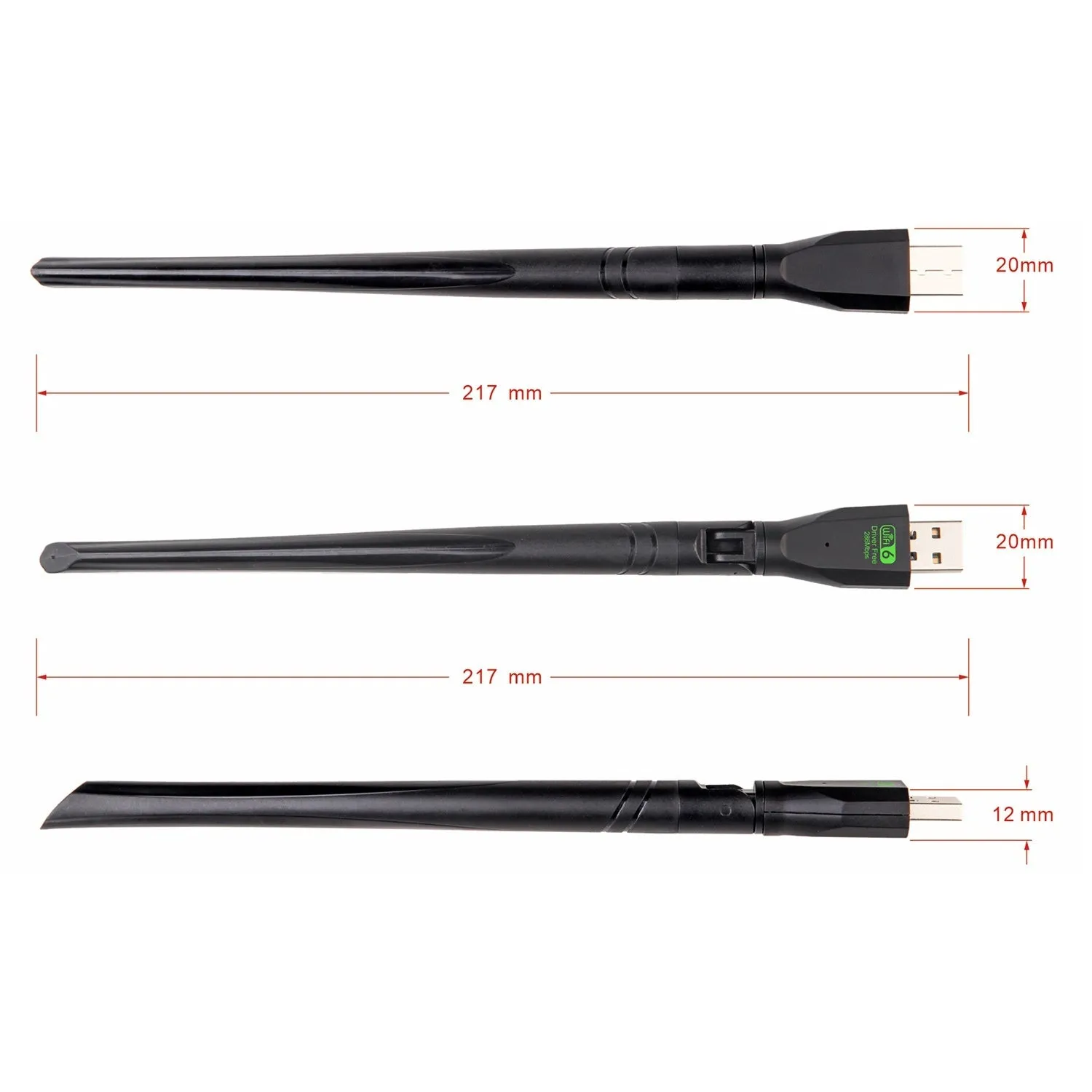
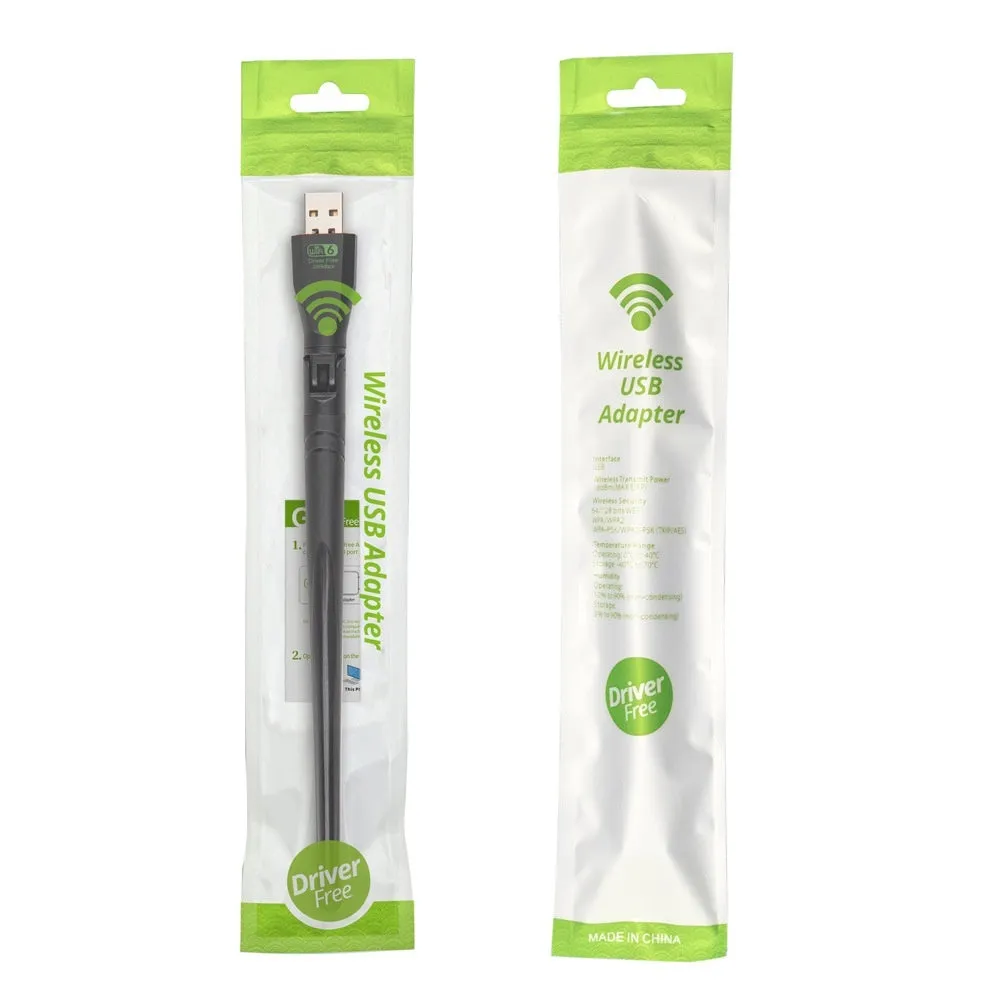
WiFi 6 USB wireless network card in black for desktop PCs and laptops, driver-free installation with included instruction manual for immediate connectivity setup


WiFi 6 USB wireless network card in black for desktop PCs and laptops, driver-free installation with included instruction manual for immediate connectivity setup
WiFi 6 USB Wireless Network Card for Desktop and Laptop Computers with Driver-Free Installation

This black USB wireless network card delivers WiFi 6 connectivity to computers lacking integrated wireless capability. Using a standard USB interface, it provides an immediate networking solution without requiring internal hardware installation. The driver-free design eliminates software download requirements, while the included instruction manual offers clear setup guidance. Suitable for both desktop PCs needing wireless connectivity and laptops requiring WiFi 6 upgrade capabilities, this device serves as a practical networking accessory for home and office environments.
Features and Construction

The wireless network card utilises a USB interface for straightforward connectivity to compatible computers. Its design focuses on accessibility rather than complex installation procedures, making it suitable for users with varying technical experience levels.
Material and Build
Constructed with a plastic housing finished in black, the network card maintains a discreet appearance when connected to computer equipment. The USB interface follows standard specifications for reliable connectivity with most modern computers. Electronic components within the housing handle wireless transmission and reception functions for WiFi 6 networks.
Size and Practical Fit
The device utilises standard USB dimensions, allowing it to connect directly to USB ports without requiring additional adapters or cables. This compact form factor makes it suitable for placement near computer equipment without occupying excessive space. The black colour helps the device blend with typical computer peripherals and office environments.
Uses and Placement

This network card addresses specific connectivity needs for different computer setups and user requirements. Its driver-free operation reduces setup complexity compared to traditional wireless adapters requiring software installation.
Event or Professional Use
In professional environments where temporary wireless connectivity is needed, this network card offers a quick solution without IT department intervention. Conference rooms, temporary workstations, and exhibition setups can benefit from the immediate connectivity provided by the USB interface. The driver-free installation allows for rapid deployment across multiple devices when network access is required for presentations or collaborative work sessions.
Everyday Home Use
For home computer setups, this network card provides wireless capability to desktop PCs originally designed with only wired Ethernet connections. Gaming PCs, media centres, and work-from-home setups can all utilise the WiFi 6 connectivity offered by this device. The included instruction manual guides users through connection processes without requiring technical expertise, making it accessible for household use across different computer literacy levels.
Benefits and Buying Value

The network card offers practical advantages through its design choices and included resources. These benefits focus on immediate usability rather than advanced technical specifications.
Reuse and Low Maintenance
The USB interface allows the network card to be transferred between different computers as needed, providing flexibility for users with multiple devices. Without driver software requirements, the device maintains compatibility across different operating systems and computer configurations. The included instruction manual provides reference material that remains relevant throughout the product's usable lifespan.
Why Choose This Product
This wireless network card distinguishes itself through driver-free operation that reduces setup complexity compared to traditional network adapters. The inclusion of a printed instruction manual offers immediate guidance without requiring online searches or technical support calls. For users seeking basic WiFi 6 connectivity without advanced configuration options, this device provides a straightforward solution with minimal installation requirements.